Loading…
Come across convincing in every virtual interview and meeting.
Get live support while you speak. Repartee puts an English response framework right on your screen, so every professional conversation goes well.
Windows app. First 20 minutes free, no credit card.
What Repartee is
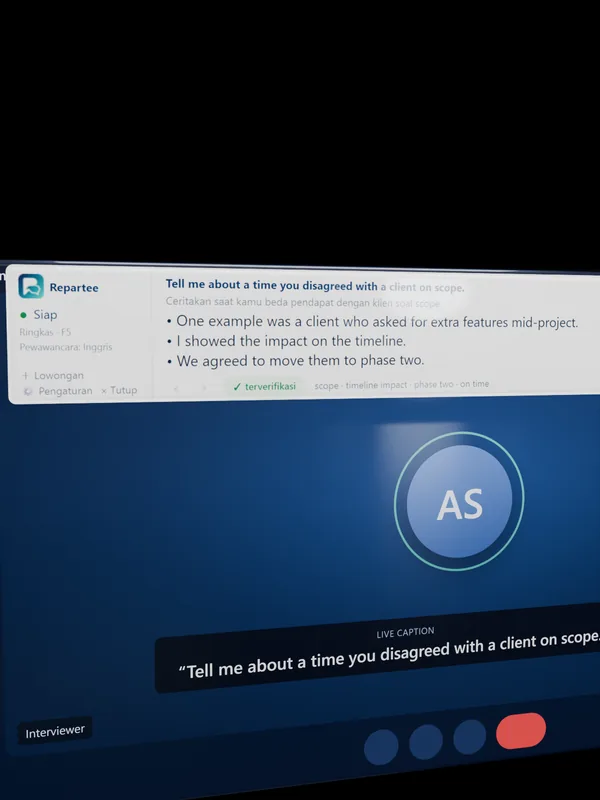
A small strip above the meeting window, with your answer script.
Open it next to Zoom or Meet. When the interviewer or a colleague asks, the strip shows the question, its translation, and an answer script. Pick Interview mode (answers from your profile) or Meeting mode (answers from the meeting notes you paste in).
Listen
The other person's voice is captured from your laptop speakers. Nothing is installed in Zoom or Meet.
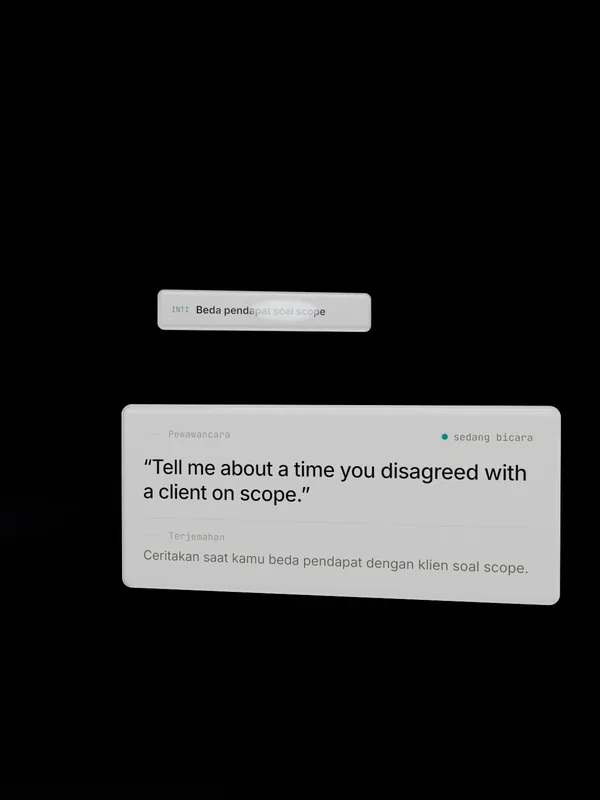
Understand
The question is written out, translated, and its core summarized in one line.
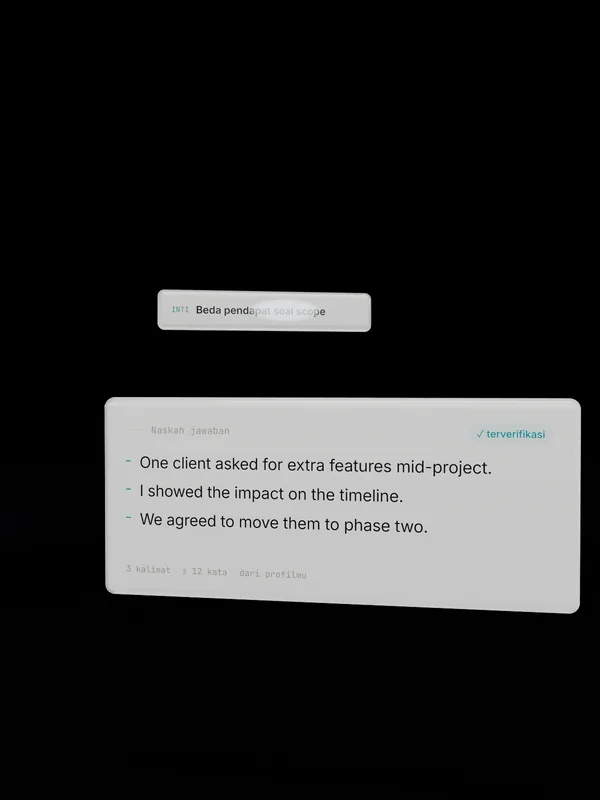
Answer
Three to five sentences from your profile or your meeting notes, in everyday English or Indonesian that is easy to say.
How to use
Prepare. Interview. Review.
Set up your profile once, use it in every interview. For a meeting, paste the notes before you start.
01
Prepare your profile
Upload your CV or type your stories. For a meeting, paste the project notes or agenda. Nothing is made up.
Download the app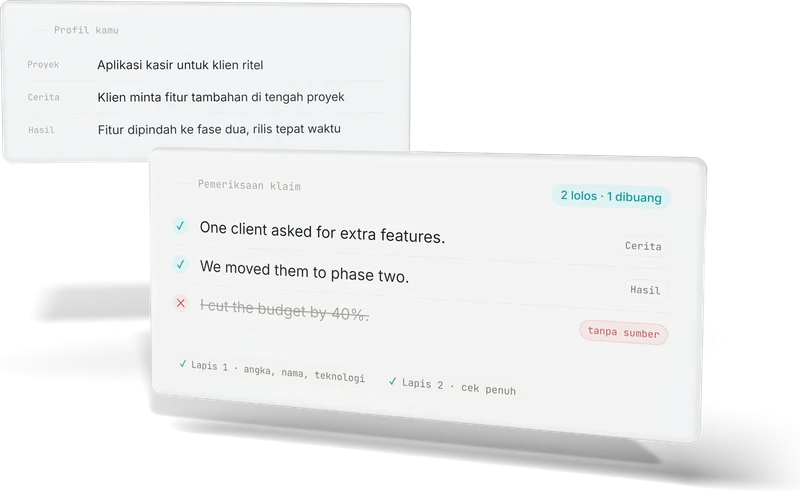
02
Interview calmly
The strip sits above the meeting window and stays hidden when you share your screen. English or Indonesian, switchable mid-session.
Read the FAQ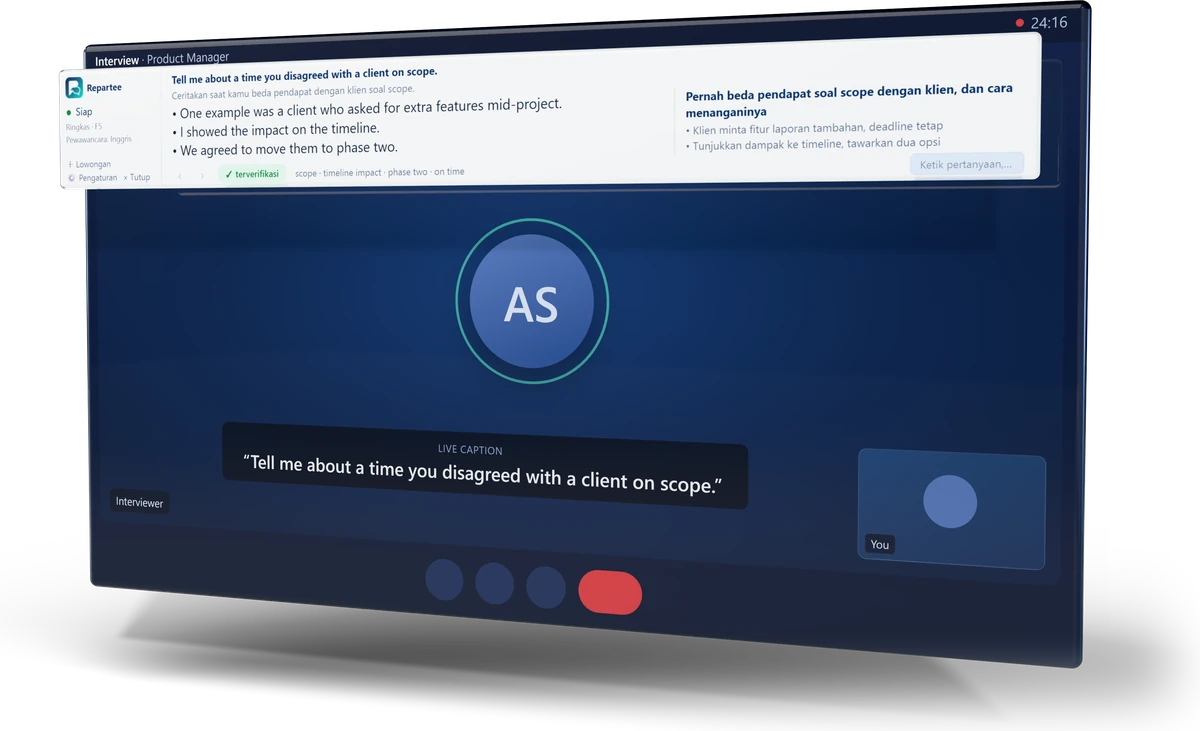
03
Review afterwards
A recap after each session: your answers in an interview, or the decisions, follow-ups, and promises in a meeting. Practice and prep don't use minutes.
Tips on the blog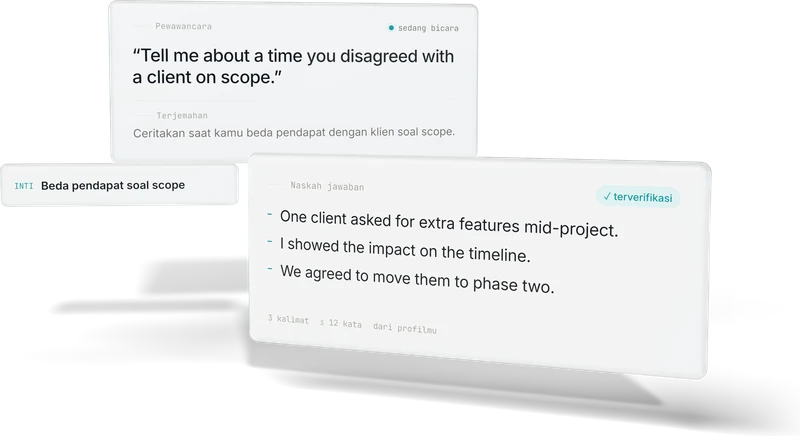
Honesty
Honest from the start.
Every sentence is checked against your profile, or your meeting notes, before it appears. Sentences without a source are dropped.
LAYER 1
Quick check
numbers, names, technologies
LAYER 2
Full check
before it is marked verified
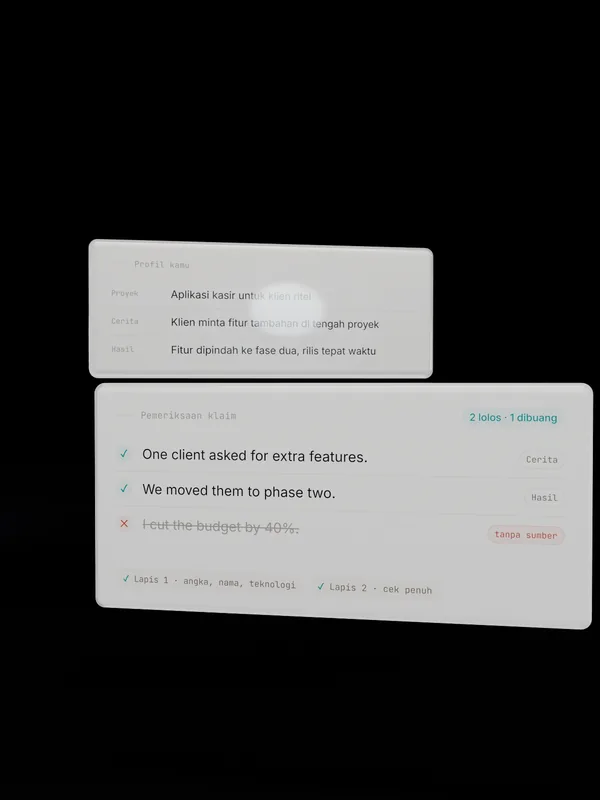
Two layers of checks
If the question is outside your experience, the script says so and points to the closest thing you have done. In a meeting, anything not in the notes gets “I need to check that”.
- SOURCEEvery sentence has a sourcein your own profile
- PRIVATEHiddenwhen you share your screen
- LOCALLocal transcriptionfree, runs on your laptop
- SHORT2–4 sentencesmatched to your English level
Pricing
Pay per minute.
No subscription, no minimum. Purchased minutes never expire; unused minutes can be refunded within 7 days.
| Package | Live minutes | Per hour | Price | |
|---|---|---|---|---|
| One interview1 hour | 60 | IDR 49,000$3 | IDR 49,000$3 | Buy 1 hour |
| Several interviews3 hoursmost popular | 180 | IDR 39,700$3 | IDR 119,000$7 | Buy 3 hours |
| A whole job search10 hours | 600 | IDR 29,900$2 | IDR 299,000$17 | Buy 10 hours |
New accounts get 20 free minutes: valid for 14 days, up to 10 minutes per session, local transcription.
Pricing details and rulesReady for your next interview or meeting.
Sign in with Google or email. No credit card, and the first 20 minutes are free.